Samsung 305U
25.11.2026
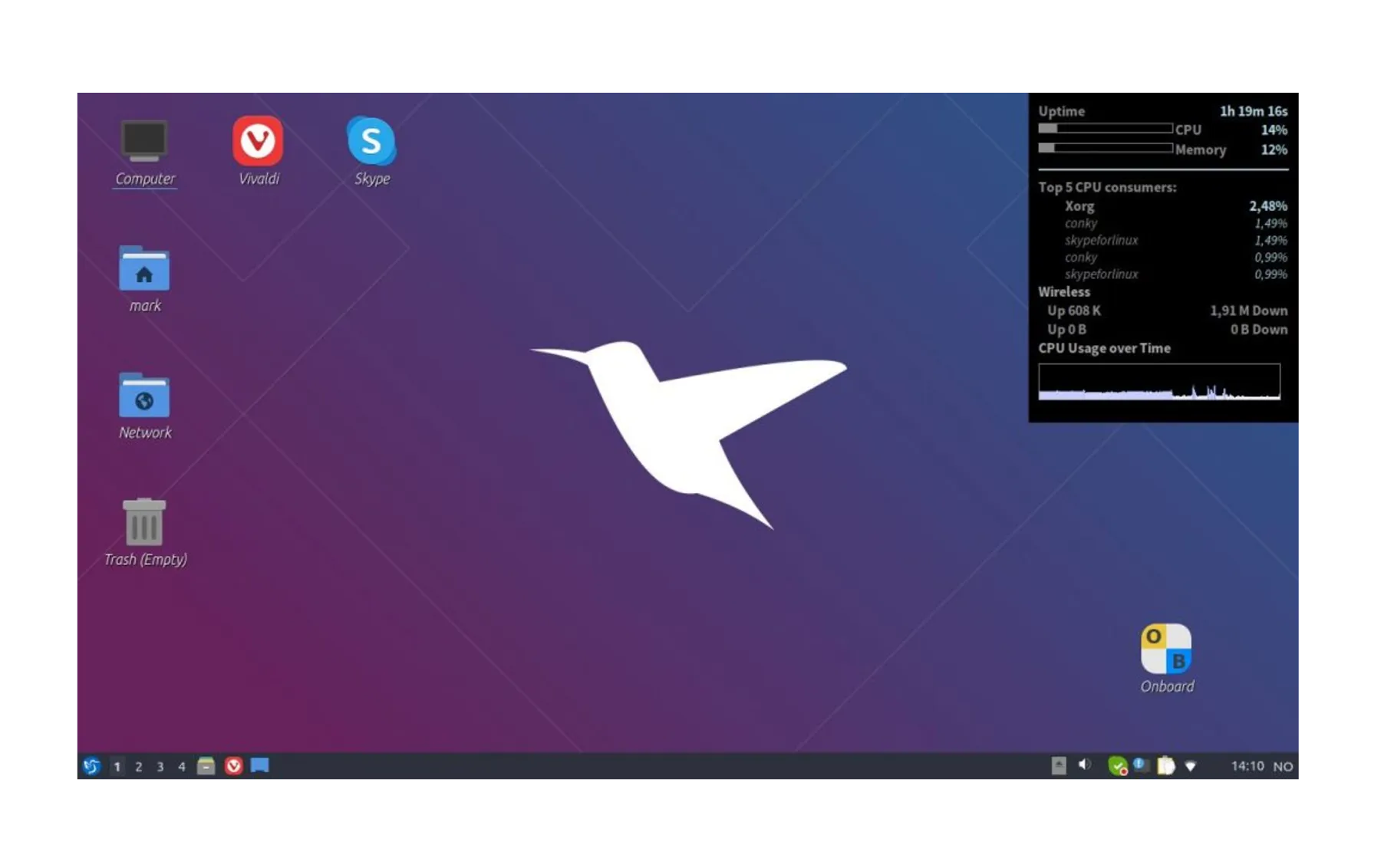
Small, but powerful!
This is a neat little laptop. Its lightweight, the battery still works very well and the keyboard is small yet comfortable.
It was very slow running Windows, and I was asked to make it work better. Great request!
I decided to go for Lubuntu 20.10 64-bit. This is a good, user friendly distribution, that can also be used by beginners.
Important: the wireless driver has to be updated.
To find the type of driver needed, run the following command:
lspci
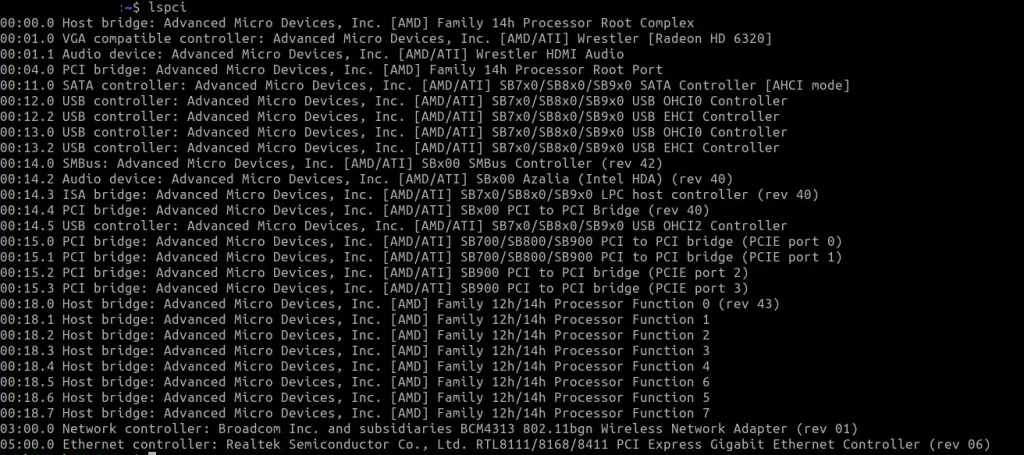
Samsung 305U – lspci command
Look for the line that starts with Network controller. Here we see that the driver is Broadcom BCM4313.
Use the following command to download the correct driver
sudo apt install broadcom-sta-dkms
It works like a charm!
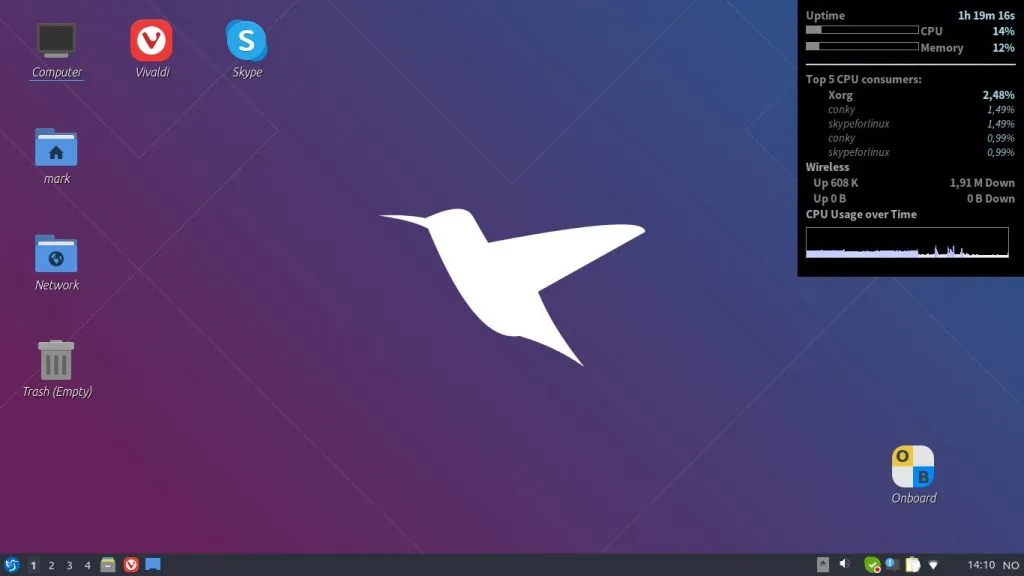
Samsung 305U – Lubuntu 20.10 64 bit
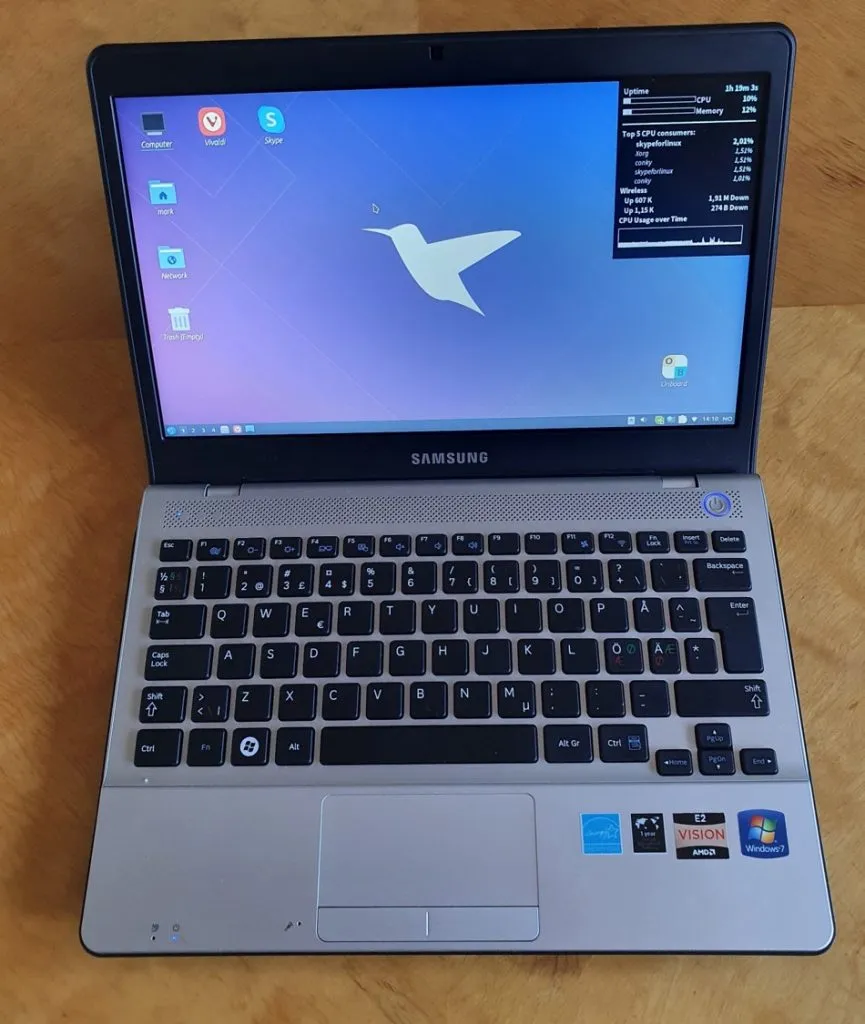
Samsung 305U – Lubuntu 20.10 64 bit
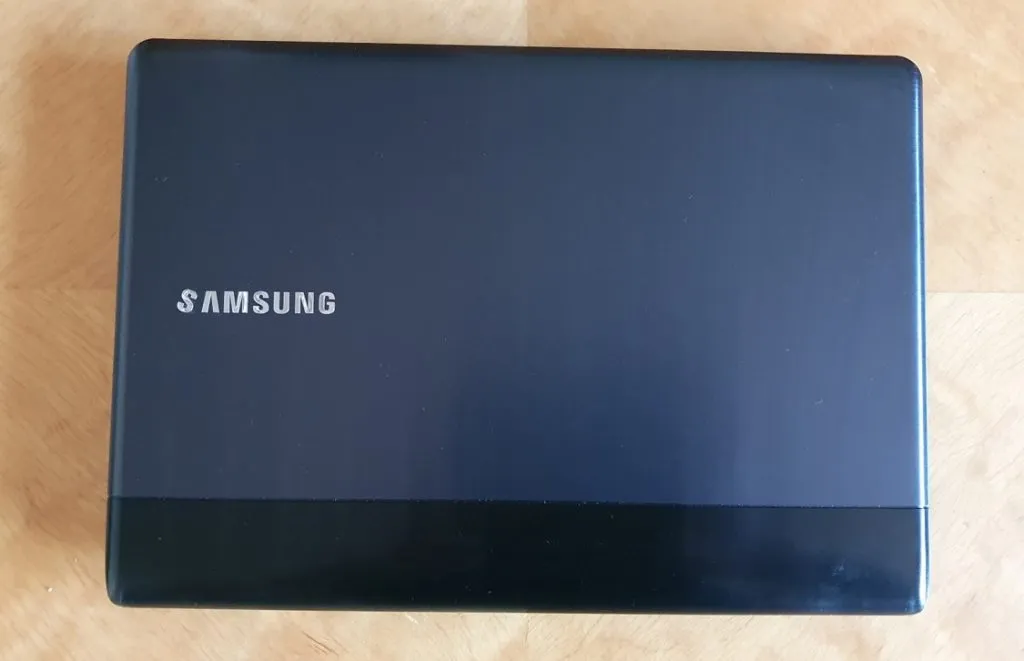
Samsung 305U – Lubuntu 20.10 64 bit
Useful links:
- Packages for Broadcom wireless driver: https://packages.debian.org/stretch/broadcom-sta-dkms
- https://forums.linuxmint.com/viewtopic.php?t=273909
Kommentarer (0)
Alle kommentarer godkjennes manuelt før publisering.
Legg igjen en kommentar